
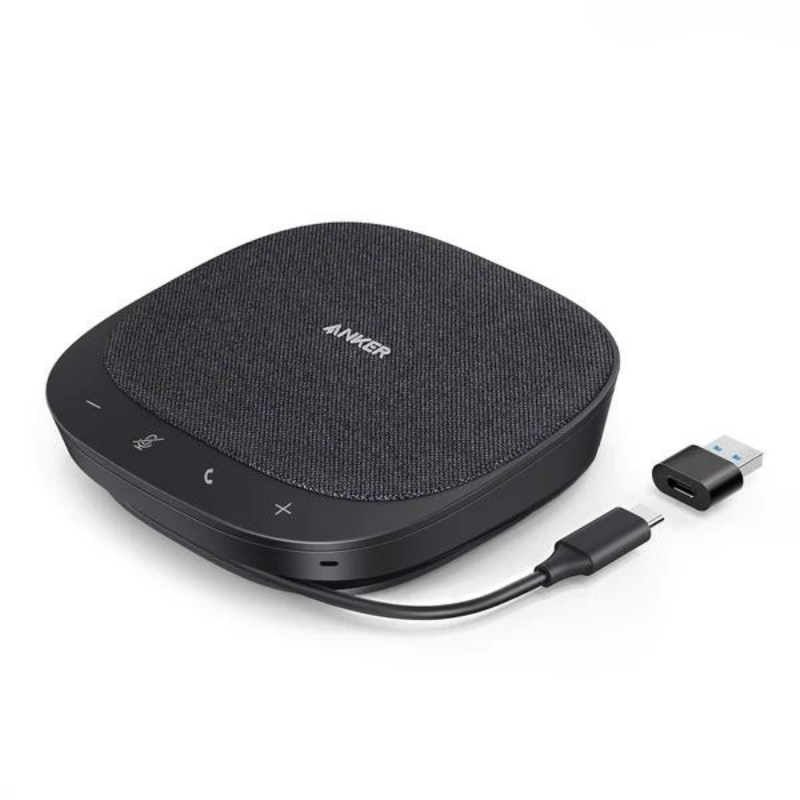
Anker PowerConf S330 USB Speakerphone
Out of stock
- Full Duplex Audio: 2-way clear communication even if both ends are speaking simultaneously.
- Fully Compatible: A USB speakerphone designed to work effortlessly with all leading conference software.
- Auto Echo-Cancellation: A smart algorithm removes echo and feedback from remote calls.
- Computer Software: Get AnkerWork for PC or Mac to unlock full USB speakerphone functionality.
- Professional Design: Sleek looks and premium materials combine for a USB speakerphone that fits into any workspace.
රු23,360.00 රු29,200.00
Out of stock
PowerConf S330 Speakerphone
- Smart Voice Enhancement: Eliminate background noise while simultaneously enhancing voices for a professional meeting experience in any environment.
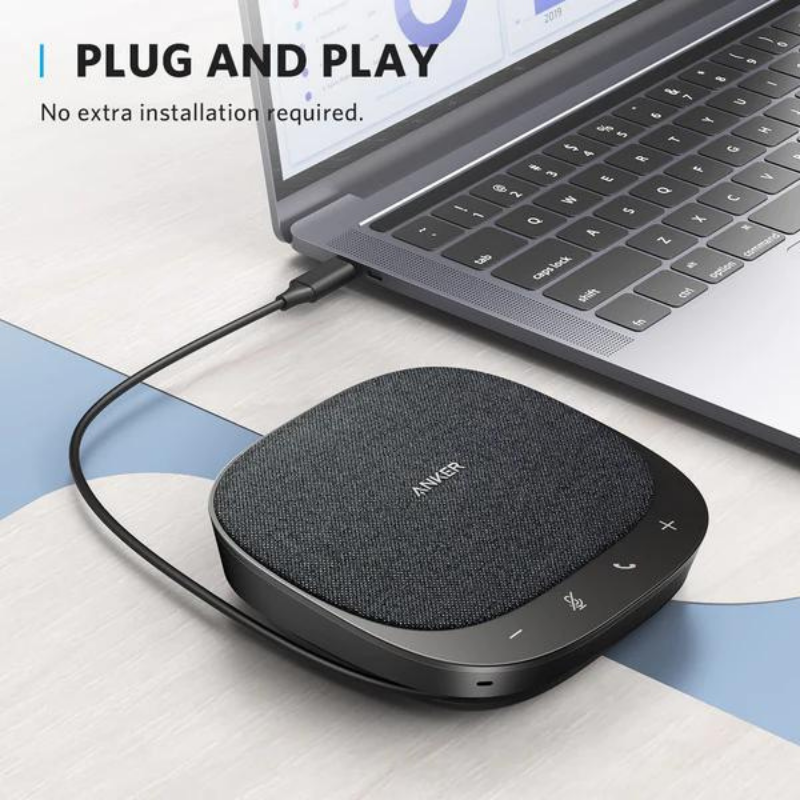
- Plug and Play: Connect via USB-C (includes standard USB adapter) and join meetings in an instant. A wired connection offers the most stable and reliable USB speakerphone experience.
- 360° Voice Coverage: A USB speakerphone with 4 high-sensitivity microphones to pick up all voices within 3m in super-high clarity.
- Superior Sound: A 1.75” driver paired with 2 passive bass-radiators adds body and depth to both meeting audio and music.
- What’s In The Box: PowerConf S330 USB Speakerphone, USB-C to USB-A adapter.
- ow do I set my PowerConf S330 as the default audio device on my Windows computer?
- – Right click the volume icon on the lower right corner of the desktop.
– Select “Open Sound Settings.”
– Select PowerConf S330 as your “Input” and “Output.
- How do I set my PowerConf S330 as the default audio device on my Mac computer?
- – Click “” on the top left corner of the desktop and choose “System Preferences.”
– Choose the “Sound” option.
– Select PowerConf S330 as your “Input” and “Output.
- How do I set up PowerConf S330 with my meeting software?
- – Go to the audio options on your conference communication tool.
– Select PowerConf S330 as the microphone and the speaker.
Based on 0 reviews
Be the first to review “Anker PowerConf S330 USB Speakerphone”
You must be logged in to post a review.
Related products
-
AUDIO DEVICES, Bluetooth Speakers
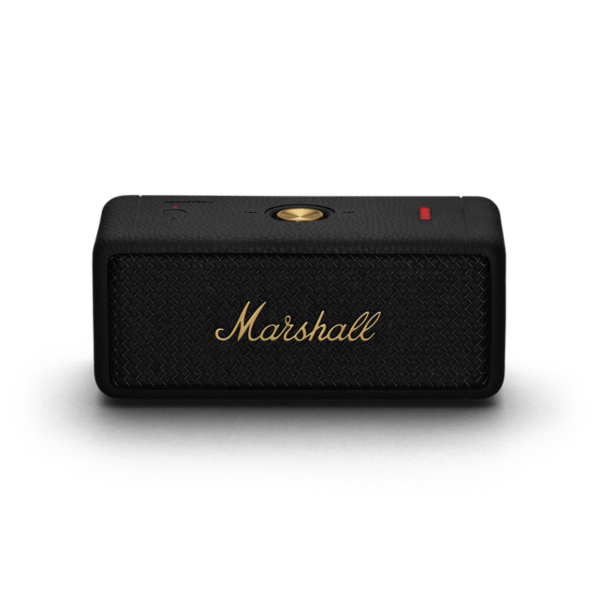
Marshall Emberton II Bluetooth Speaker
Emberton II now packs an even bigger punch than before. The bestselling Marshall outdoor speaker now comes with 10 more hours of playtime than its predecessor so you can enjoy 30+ hours of listening. This new generation has Stack Mode so you can amplify your session by connecting to other Emberton II speakers. There’s also the addition of app support, giving you more control over your sound. Two 2’’ full range drivers, two passive radiators and True Stereophonic mean this wireless speaker brings you the heavy Marshall sound you know and love.
SKU: n/a -
Out of Stock
-
Out of StockAUDIO DEVICES, Earbuds
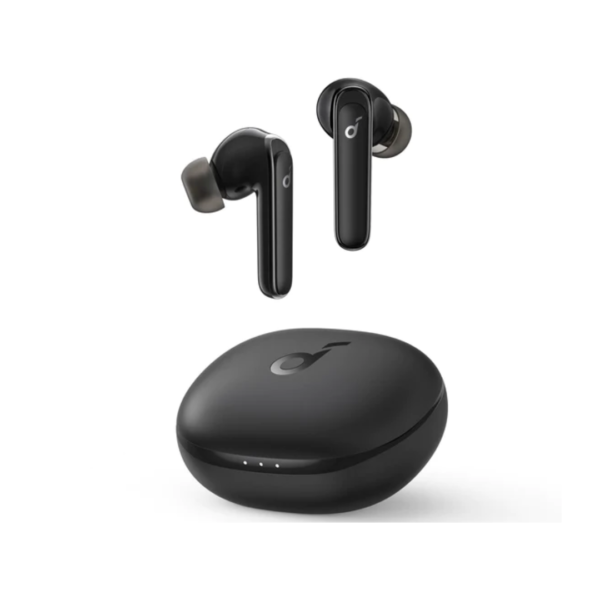
Anker SoundCore Life P3
Incredible Sound Loved By 20 Million+ People.
Pocket-Sized Pop of Color: Life P3 noise cancelling earbuds come in 5 eye-catching colors to pair withyour personal style. And the ultra-compact case fits effortlessly in small bags or pockets.
Fueled By The Beat: Life P3 noise cancelling earbuds’ thumping sound is produced by custom 11mm composite drivers. Activate BassUp mode in the app to further intensify bass in real-time.
Multi-Mode Noise Cancelling: Sync the noise cancelling to your location for an optimized experience. Transport, Outdoor, and Indoor modes are each tailored to block out irritating background noises in each environment.
Enhanced Call Performance: Life P3 noise cancelling earbuds have 6 microphones and an exclusive algorithm to tune out background noises. Your voice will be heard clearly on calls, video chats, livestreams, and more
SKU: n/a -
Out of StockAUDIO DEVICES, Bluetooth Speakers
Marshall Woburn II Bluetooth Speaker
Woburn II hits high trebles cleanly, handles low bass with ease and has a clear, lifelike mid range. Two 1″ tweeters and dual 5.25″ subwoofers are individually powered by class D amps for a total of 110 watts of power. The wooden cabinet construction helps provide a warm, natural sound and the bass reflex system includes a port to increase efficiency at low frequencies.
SKU: n/a


There are no reviews yet.